Your 2026 Data Preservation Checklist with Polarbackup
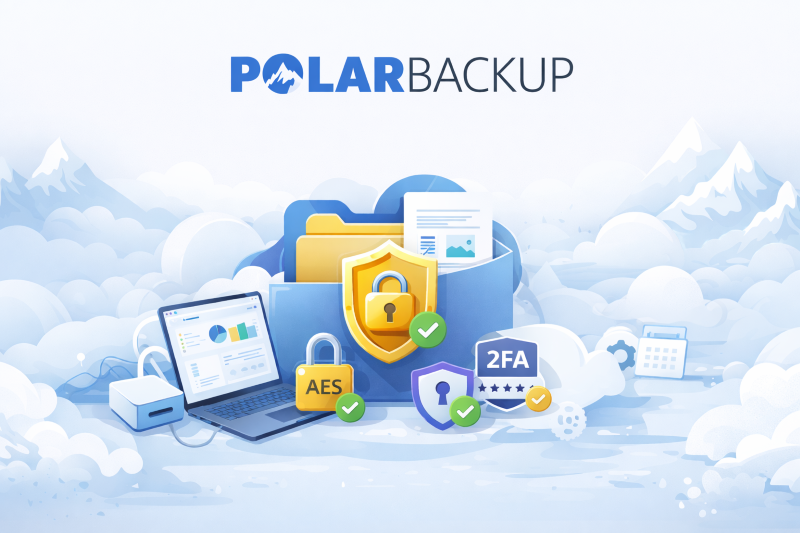
Effective data preservation ensures that important files remain safeguarded over time, regardless of device changes, local failures, or organizational restructuring. Polarbackup provides a purpose-built environment for long-term cloud archiving, version retention, automated scheduling, and secure file restoration—making it a dependable choice for users who value continuity and protection.
Below is a practical 2026 data preservation checklist tailored around Polarbackup’s capabilities.
Your 2026 Data Preservation Checklist
1. Audit Devices and Select Data for Preservation
Begin by reviewing all devices holding valuable data such as laptops, desktops, servers, and external drives.
Using Polarbackup, users can back up from multiple data sources including internal, external, and network (NAS) drives. (Learn more)
Polarbackup also offers Smart Selections to automatically choose common file types for backup. (Learn more)
2. Classify Active vs. Archival Data
Separating frequently used files from dormant files is a key data preservation strategy.
Polarbackup provides:
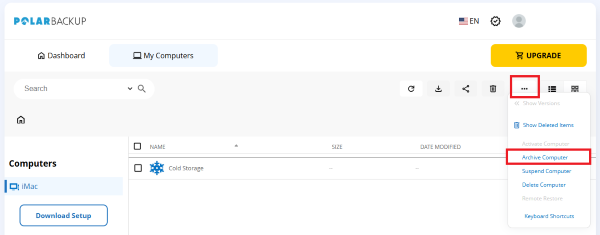
➜ Cold Storage for rarely accessed data. (Learn more)
➜ Vault Storage for long-term archiving. (Learn more)
➜ Archiving without deletion. (Learn more)
This ensures files are retained securely without occupying active device space.
3. Configure Automated Backup Workflows
Automating backups prevents data gaps and supports consistent preservation.
Polarbackup supports:
✔ Scheduled backups. (Learn more)
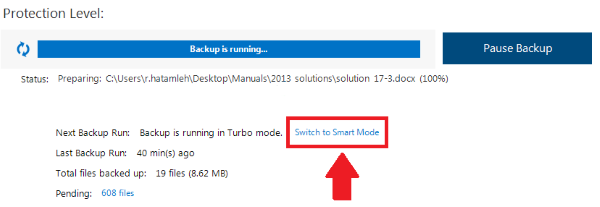
✔ Smart & Turbo Modes. (Learn more)
These features allow users to run low-maintenance, continuous data protection.
4. Optimize Uploads and Deduplication
Efficient uploads accelerate initial and ongoing preservation tasks.
Polarbackup includes:
📌 Incremental Backups. (Learn more)
📌 Multi-threaded Upload. (Learn more)
📌 Data Deduplication to accelerate the data backup process. (Learn more)
📌 Bandwidth Throttling for resource control. (Learn more)
5. Secure Your Preservation Environment
Data preservation requires strong security and controlled access.
Polarbackup includes:
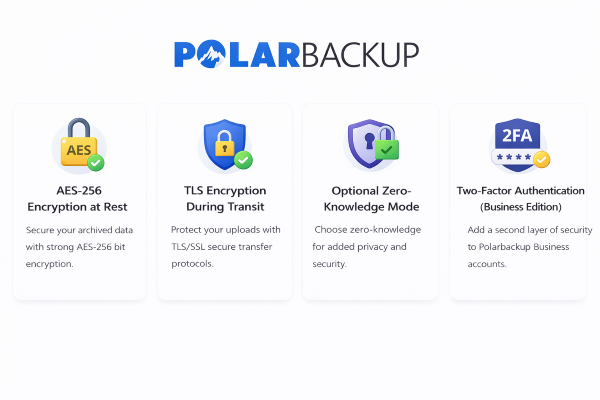
🔐 AES-256 encryption at rest.
🔐 TLS encryption during transit.
🔐 Optional Zero-Knowledge Mode. (Learn more)
🔐 Two-Factor Authentication. (Learn more)
6. Test Restoration and Version Recovery
Preservation is incomplete without verified recovery.
Polarbackup allows users to:
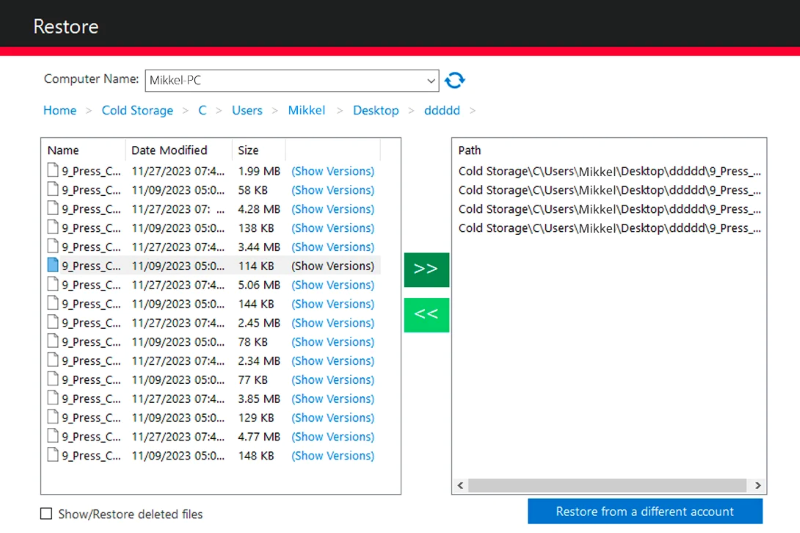
🔁 Restore deleted files. (Learn more)
🔁Restore older file versions. (Learn more)
🔁 Restore cold storage data. (Learn more)
🔁 Restore to a new machine without starting a new backup. (Learn more)
🔁 Remote restore (Business Edition). (Learn more)
Testing restores ensures that your 2026 preservation plan is complete and functional.
7. Maintain Preservation Through Monitoring and Controls
Long-term preservation requires visibility, especially for business environments.
Polarbackup provides:
📊 Reports & Statistics. (Learn more)
📩 Backup Alerts & Notifications. (Learn more)
👤 Backup Policies & User Management. (Learn more)

FAQ
❓ Is Polarbackup suitable for long-term data preservation?
Yes. Polarbackup’s cold storage and vault options are designed for long-term archiving and retention. (Learn more)
❓ Can I restore old versions of files?
Yes. Polarbackup supports file versioning and allows restoring earlier versions. (Learn more)
❓ Does Polarbackup support automated backups?
Yes. Users can schedule recurring backups, and missed runs are handled automatically. (Learn more)
❓ Can businesses manage users and policies?
Yes. Business accounts allow administrative control, reporting, and policy enforcement. (Learn more)
Conclusion
A structured data preservation strategy ensures that critical information remains protected, accessible, and recoverable over time. Polarbackup enables this through secure archiving, automated workflows, scalable storage options, versioning, and controlled restoration—supporting both individual and business needs for 2026 and beyond.